
Every photo deserves a home with personality. Personalized galleries turn scattered pictures into stories you can feel.
1. Baby’s First-Year Timeline Gallery

Create a clean timeline with months as gentle signposts. Add one photo per month so family members can spot changes right away. Keep backgrounds soft and consistent, like a simple light wall or matching studio backdrop.
Use clear captions for tiny milestones, such as first smile, first tooth, or first steps. This gallery helps relatives revisit progress without digging through hundreds of files. For personalization, include a short “favorite moment” quote from parents for each quarter. If you want a budget-friendly option, start with 12 printed prints and then build a digital gallery alongside them.
2. Wedding Day “Details First” Gallery
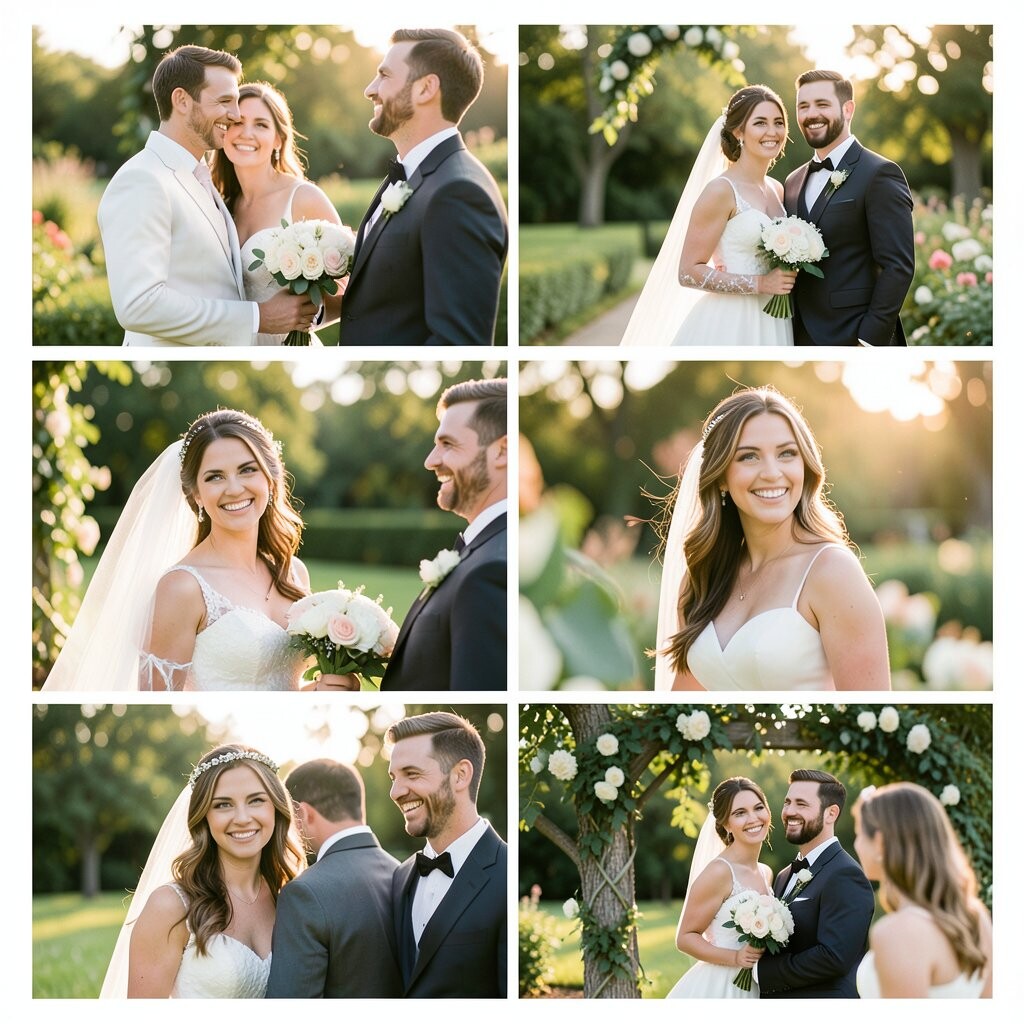
Feature close-up shots first: rings, shoes, invites, and table settings. Pair each photo with a short line about why it mattered. When someone opens the gallery, they immediately understand your style and planning.
That “details first” approach is unique because it shows the craft behind the day, not just the big moments. It also reduces the pressure to pick only perfect full-body photos. Try grouping images by theme, like “sparkle,” “flowers,” and “the reception vibe,” so the flow feels natural. For costs, you can print a small album of the top 30 images while keeping the rest digital.
To match current trends, consider using a layout that mimics magazine spreads with lots of white space. Add subtle motion effects if your platform supports it, like gentle fades when people scroll. Personalize captions with handwritten-style fonts on the digital copies for a soft vintage feel.
3. Graduation Keepsake Gallery by Semester
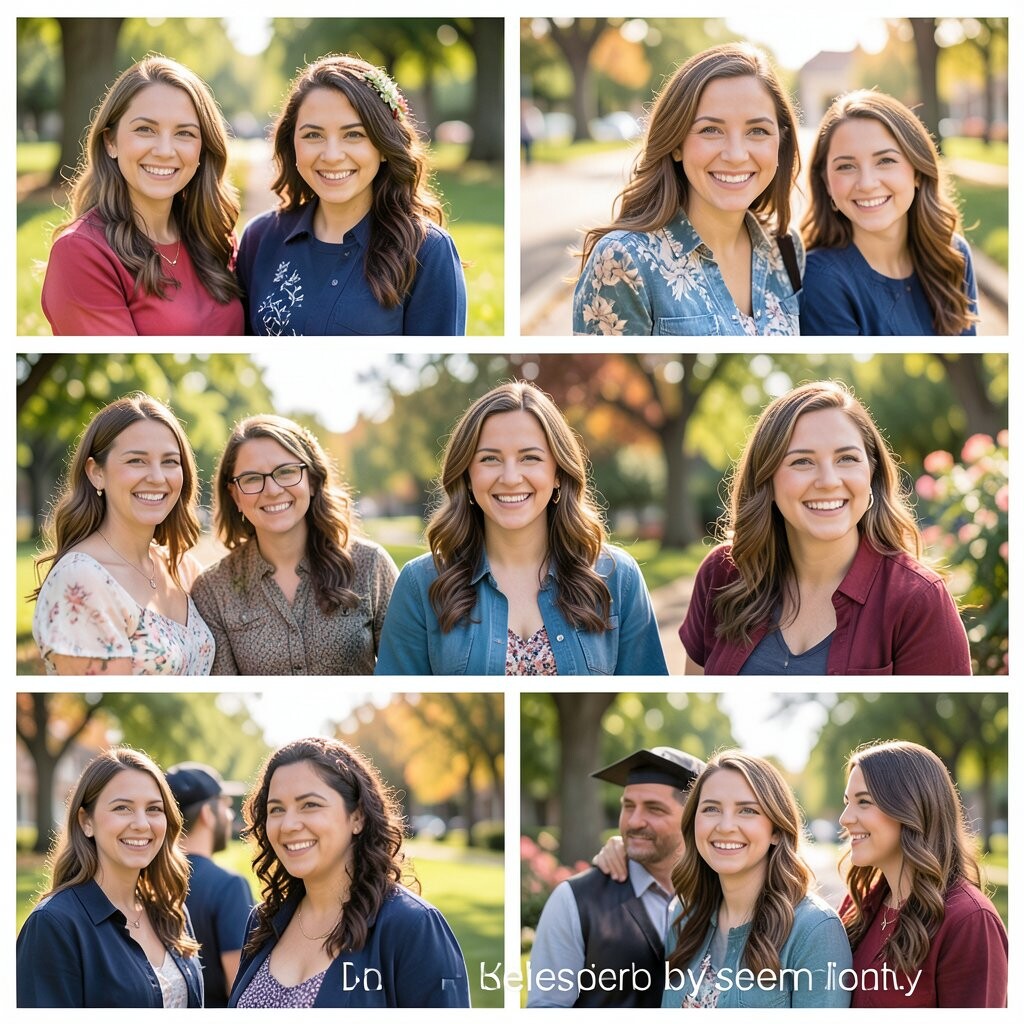
Organize photos by semester so the gallery feels like a mini journey. Include classroom snapshots, study sessions, and team activities. A semester structure also makes it easier for friends to remember specific events.
It’s especially beneficial because viewers can track growth from first-day nerves to final presentations. The gallery feels unique when you add “then vs. now” comparisons, like the first group photo and the last. Keep captions simple and factual, then add one memorable memory per semester from the graduate’s perspective.
For practical tips, choose a consistent color theme for each term, such as warm tones for spring and cool tones for fall. If you have limited photos, add a few meaningful screenshots like calendar reminders or club flyers. This can be done at low cost using online templates.
Current trends include using bold type and clean grid layouts that resemble school yearbooks. Consider adding a section for future plans with one photo of the graduate holding an acceptance letter. That small touch makes the gallery feel current and forward-looking.
4. Anniversary “Then, Now, Forever” Gallery
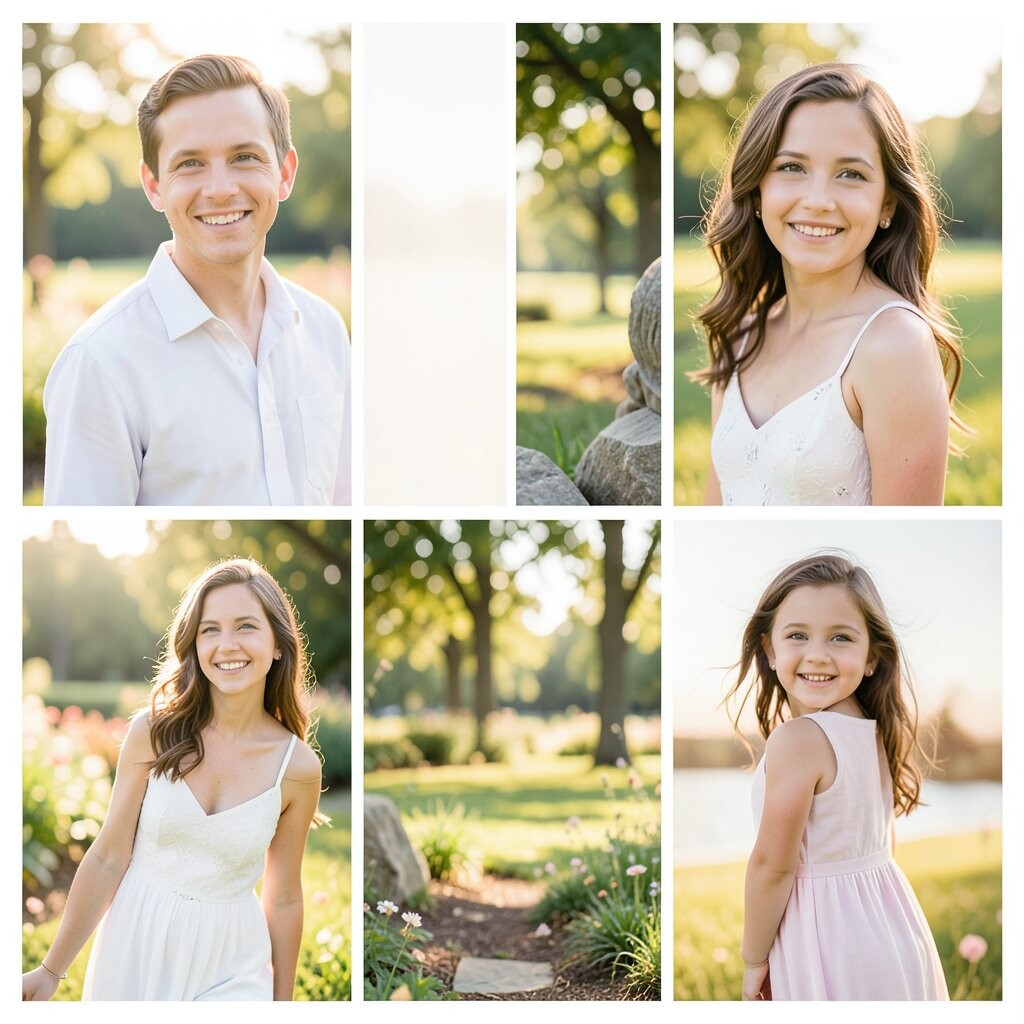
Create a split-screen feel with paired images: then on one side and now on the other. Add one photo per year, plus one newer moment to show what “forever” looks like. This format makes the emotional contrast instantly clear.
You’ll benefit from the way it tells a story without a long explanation. It’s unique because it focuses on change over time rather than repeating the same day. Personalize by writing a short note beside each pair that mentions a lesson you learned together. For cost considerations, you can make a printed timeline poster and also keep the full digital version for sharing.
5. Family Vacation “Map Journey” Photo Gallery

Arrange images in the order you traveled, like a path from one place to the next. Add a simple map image or a few location labels to guide viewers. This structure turns a photo dump into a smooth journey.
The benefit is clarity: people know where each moment fits in the trip. It’s unique because it feels like you’re traveling again with every scroll. Try personalization by highlighting one “local taste” photo per stop, like a favorite dessert or market snack.
Keep it practical by choosing fewer, stronger photos instead of everything. A budget-friendly idea is to select the top 40 images for a printed booklet while using the rest for a digital gallery. Current trends often favor storytelling layouts with location callouts and clean, modern typography.
6. New Home “Room by Room” Gallery

Start with the entryway, then move through living spaces in order. Capture keys, first furniture arrivals, and little details like light fixtures. This gives the gallery a comforting “we did it” feeling.
This personalized approach is helpful because it documents progress, not just staging. It’s unique when you include “before and after” shots for each room. Practical tips include keeping lighting consistent and snapping photos in the same direction each time you revisit a room. If cost is a concern, you can print one photo strip per room and keep the rest online.
For personalization, add captions about what you love in each space, like the cozy corner or the bright kitchen window. Many people are now using template-based galleries that show a sequence with smooth transitions. That trend works great for home stories because it highlights growth over time.
7. Birthday Surprise “Build-Up to the Moment” Gallery

Tell the story from planning to celebration, starting with decorations and ending with cake. Include candid shots of guests arriving and the surprise reaction. This flow makes viewers feel the same excitement you felt.
The benefits show up in how easy it is to understand the timeline. It’s unique because it captures anticipation, not only the final candles. Personalize by adding a “countdown” caption for each stage, like “two hours to go” or “phones hidden.”
For practical tips, ask one person to take photos during the important moments so you don’t miss them. If you’re worried about cost, use a digital gallery with a private link and skip expensive prints. A current trend is using short caption text overlays that look like event posters, which can make simple photos feel special.
To keep the gallery cohesive, pick one color theme that matches your party decor and apply it to the captions. You can also add a final photo of the birthday person opening a meaningful gift. That last image often becomes the most revisited one.
8. Engagement “Proposal Scene” Gallery

Plan your gallery like a movie: the lead-up, the proposal moment, then the celebration. Put the most emotional shot near the top, then fill in details around it. Include photos of the ring box, the location, and the first “yes” reaction.
This is beneficial because it organizes feelings in the right order, even if you have many angles. It’s unique when you add one “witness perspective” image, like a photo someone took from a distance. For personalization, write the exact words you remember hearing, even if it’s only a couple of lines.
Practical tips include grouping images by “before,” “during,” and “after,” so friends can find their favorite part quickly. For cost considerations, you can create a premium gallery for close family and a simpler one for everyone else. Many platforms also let you share albums without printing, which is a money-saver.
Current trends include adding subtle music or animated slide transitions. If your platform supports it, use gentle effects rather than flashy ones so the proposal still feels calm and romantic. A gallery that looks elegant helps your images stand out.
9. Summer Camp “Skills and Smiles” Gallery

Create a collage-style feel with lots of candid action shots. Include moments like arts and crafts, sports practice, campfire time, and team games. Captions that name the activity help viewers remember even small details.
The benefit is that it showcases growth in skills, not just entertainment. It’s unique when you include a “favorite lesson” caption beside a relevant photo. Personalize by highlighting one staff member or group moment that made the camper feel welcome. If cost is a concern, print a few standout photos for parents and keep the full gallery online for everyone else.
Try practical tips like using consistent photo angles, or at least consistent framing, during similar activities. You can also add a “day of the week” label for each batch of photos. Current trends often use fun borders and bright fonts that match summer energy, as long as they don’t cover faces.
10. Graduation Party “People Who Caught It” Gallery

Focus on the humans around the graduate: hugs, handshakes, smiles, and proud expressions. Include close-ups of gifts, handwritten notes, and group photos. This makes the gallery feel like community, not just the event.
This approach benefits viewers because they can connect names with faces. It’s unique when you add small “who is it?” notes for each group shot, written simply. For personalization, include one photo per guest with a short line like “Thank you for cheering us on.”
Practical tips: keep ordering simple, like “arrivals,” “games,” “food,” and “toasts.” For costs, you can make a digital gallery shared by QR code at the party, reducing printing expenses. A current trend is using editable templates that let you update text quickly if you later find a missing name.
11. First Day of School “Before the Bell” Gallery
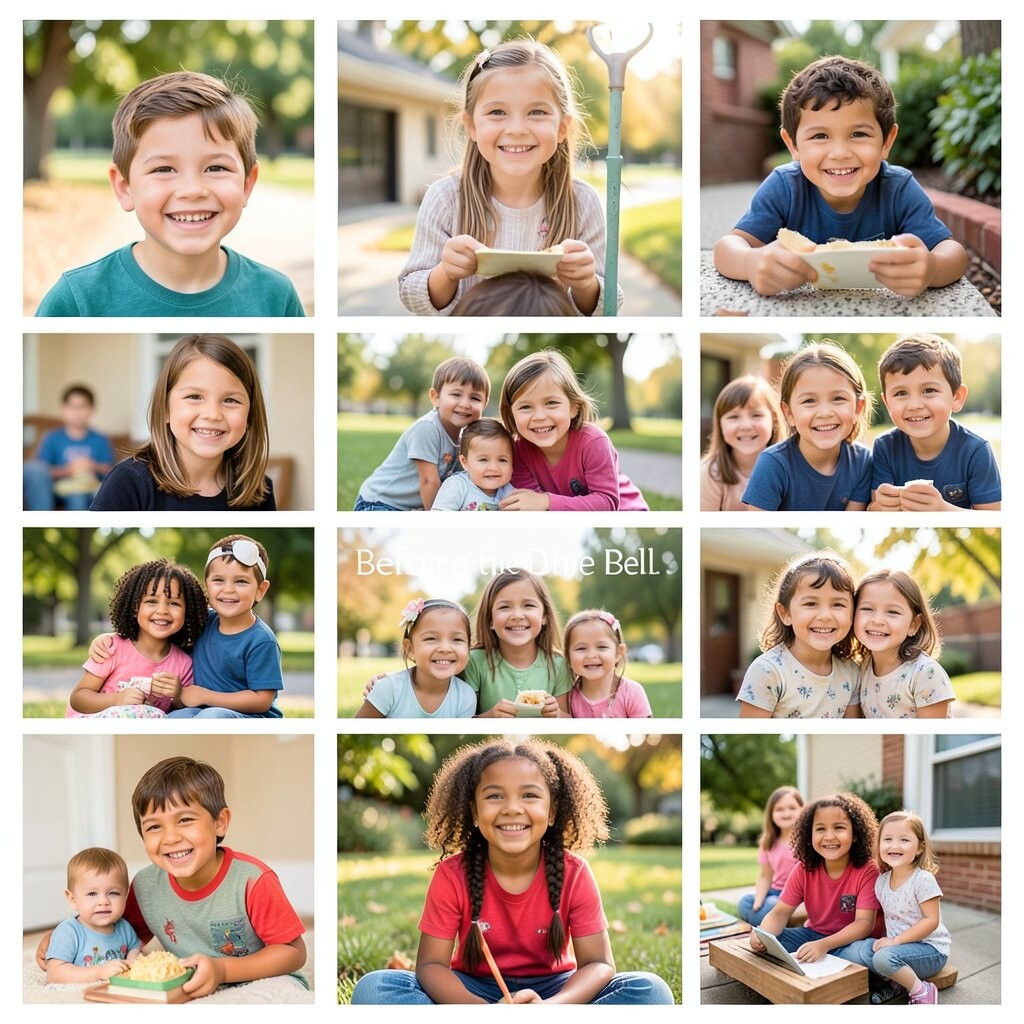
Capture the morning routine: backpack, lunchbox, and nervous smiles. Include a photo of the classroom door sign or schedule board if possible. Keep the tone light and steady so it feels like a safe beginning.
This is beneficial because it preserves the everyday moments you usually forget. It’s unique when you add a “goal for today” note in each year’s photos. Personalize by writing one sentence from the child, like “I want to make a new friend.”
Practical tips include matching photo times across years, such as always just before leaving. If cost matters, you can print a single monthly photo card series and keep the rest digital. Current trends include using consistent frames or calendar-style layouts that make each year look related without needing extra explanation.
To keep privacy in mind, you can blur or crop out any classmates in shared albums. That small step helps the gallery feel thoughtful and safe.
12. Holiday “Cookie Trail” Gallery

Build the gallery around the whole baking process, not only the final cookies. Show mixing bowls, measuring cups, dough hands, and finished trays on the counter. This turns a seasonal chore into a sweet story.
You’ll benefit from the step-by-step feel because people can recreate the vibe, even if they weren’t there. It’s unique when you add “recipe memory” captions, like a favorite spice or a family joke. Personalize by including one photo of the messy apron moment, because those are often the most loved.
For practical tips, photograph in bright kitchen light and keep angles similar. A budget-friendly option is to choose 25 images for a printed mini book and share the digital album for the rest. Current trends often use warm color grading and cozy typography that looks like holiday cards.
13. “Best Day Ever” Photo Gallery for Divorce, Healing, or Fresh Start

Create a gallery that celebrates stability, not sadness. Choose photos that show calm routines, new places, and small wins like coffee dates or therapy sessions, if comfortable. Add captions that focus on what you learned and what you want next.
This gallery benefits you because it creates a gentle record of resilience. It’s unique when you include “chapter names” like “Quiet Morning” or “New Strength,” paired with one image each. Personalize by writing a short affirmation next to a photo that feels grounding.
Practical tips: keep the gallery private at first, then share only when you feel ready. Cost considerations can be simple because digital galleries cost less than prints, especially during transitions. A current trend is using minimalist layouts with lots of whitespace and soft monochrome tones.
If you want extra personalization, add a few meaningful objects photos, like a journal, a candle, or a keychain from a new routine. Those small images can become powerful anchors.
14. Pet “Character Portrait” Photo Gallery

Photograph your pet like a tiny star, focusing on personality and expression. Use close-ups of eyes, funny poses, and the little habits that make them yours. Captions can name favorite moods, like “zoomies champion” or “sunbeam detective.”
This is beneficial because it turns everyday pet moments into a gallery you’ll want to revisit. It’s unique when you include a “traits” section with photos that match different behaviors, such as resting, playing, and meeting visitors. Personalize with a small timeline that shows when you first met your pet and how they’ve changed.
15. Travel Wedding “Destination Vows” Gallery

Organize photos by location and then by emotion: scenery, ceremony details, and the celebration afterward. Include shots of the travel day, the backdrop, and the moment you said vows. This makes the gallery feel like a complete experience, not a single event.
The benefits are strong because guests can understand the setting quickly. It’s unique when you highlight one special element from the destination, like lanterns, ocean light, or mountain air. Personalize by adding short lines about why that place matched your relationship. For cost considerations, consider printing a few destination highlight photos and keeping the rest digital for easy sharing.
Practical tips: adjust lighting or color so the whole gallery feels consistent even if weather changed. Many modern galleries use horizontal cinematic strips that look great for landscapes. Current trends also include simple “location captions” that look clean and modern while keeping the focus on your images.
16. Retirement “Thank You for Everything” Gallery

Collect photos from work years, like team events, office celebrations, and milestones. Pair each image with a short thank-you note from family or coworkers. This makes the gallery feel like a heartfelt scrapbook with real voices.
This gallery benefits the retiree because it preserves a lifetime of effort. It’s unique when you add “favorite moment” stories tied to each photo, written in plain language. Personalize by including a photo of the retired person doing a new hobby, like gardening or walking, alongside an old work photo.
For practical tips, ask multiple people to submit one or two photos so you avoid missing key years. Cost considerations are usually manageable because you can create a digital gallery and only print the top pages. A trend right now is using portrait-focused layouts that feel elegant and easy to skim.
If you want to keep it accessible, limit long text and let the photos do most of the storytelling. A clean design helps older relatives enjoy it without frustration.
17. Sports Team “Game Day Glow” Photo Gallery
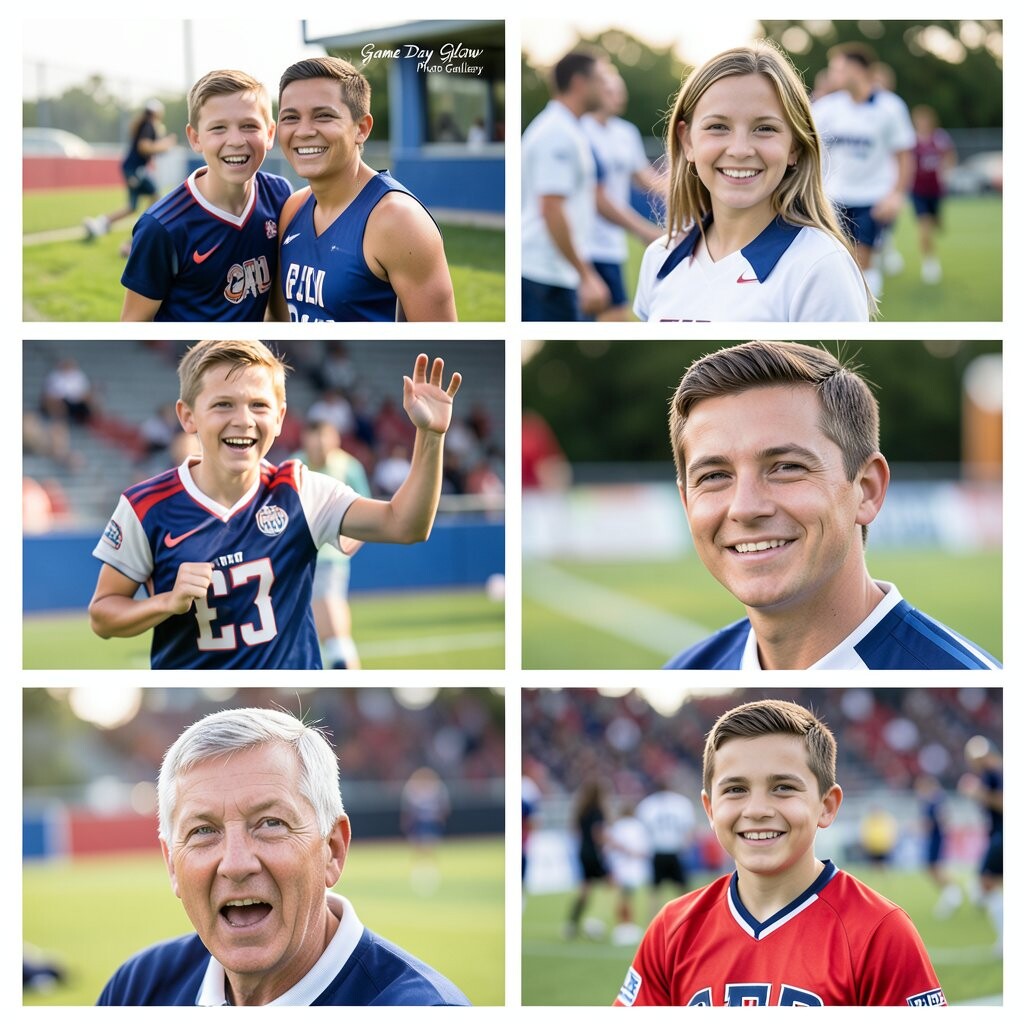
Create a gallery centered on energy: warmups, team huddles, scoreboard moments, and victory celebrations. Include both action shots and quiet moments before the game. Captions like “first goal” or “best teamwork play” make the gallery fun to relive.
This approach benefits families because it captures more than the final score. It’s unique when you add a “player spotlight” image set, featuring each teammate in a consistent style. Personalize by writing short shout-outs, such as “Your hustle was unforgettable.”
Practical tips: keep photo timing consistent across games, like always photographing the team lineup first. For cost considerations, you can share a digital gallery per season, which saves printing money. Current trends include grid layouts with bold captions and color accents that match team uniforms.
18. Family Reunion “Branch Stories” Gallery
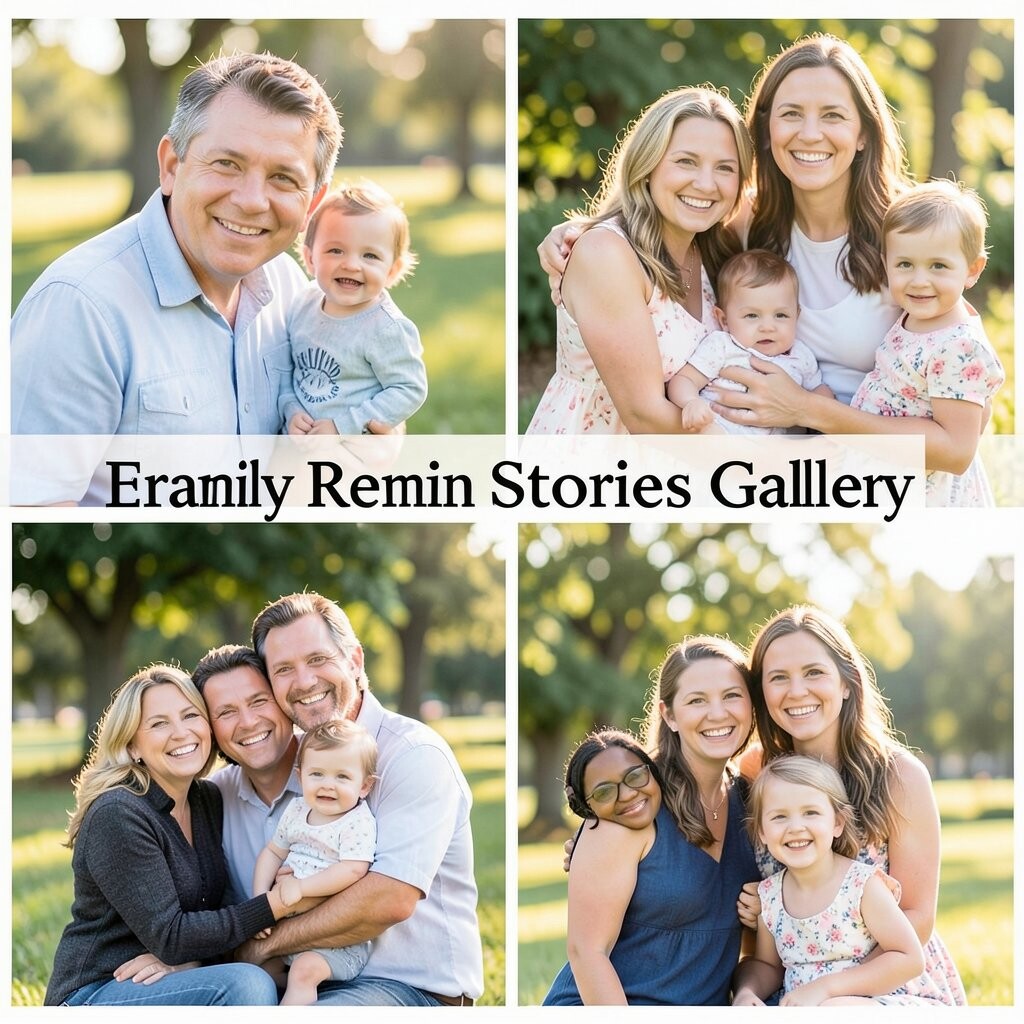
Organize photos by family “branches,” like grandparents, cousins, or specific households. Include group shots and then smaller portraits that show who people are. This makes the gallery feel welcoming for relatives who may not see each other often.
The benefits include easier browsing and more meaningful connections. It’s unique when you add a short caption about the person’s story, such as where they live or what they love doing. Personalize by including one photo for each branch that represents the family tradition, like annual games or holiday meals. Cost-wise, you can create one shared digital link and optionally print a few mini frames for the hosts.
For practical tips, get permission before sharing faces in public albums. Many people now prefer “semi-private” sharing where only confirmed family members can view. A trend is using soft, heritage-inspired color palettes that look warm and timeless.
19. Cooking Class “Hands-On Flavor” Gallery

Show the whole process: chopping, sizzling, tasting, and finally plating. Include photos that highlight hands at work and the dish from different angles. Captions can name techniques like “perfect sear” or “mix until creamy.”
This benefits you because it helps you remember steps for next time. It’s unique when you add one “flavor goal” photo, like the dish you were aiming to create. Personalize by writing what you changed, even small things like extra garlic or less salt. For cost considerations, digital galleries are the easiest option, and you can print one page of favorites if you want.
Practical tips: use a consistent background, like a light tablecloth, so images feel cohesive. Current trends include editing photos with bright food tones and clean typography that resembles cookbook labels. That style makes the gallery feel practical and fun.
If you cook with friends, ask each person for one photo they’re proud of. Mixing perspectives makes the gallery feel collaborative and authentic.
20. “Just Moved” Apartment or Neighborhood Discovery Gallery
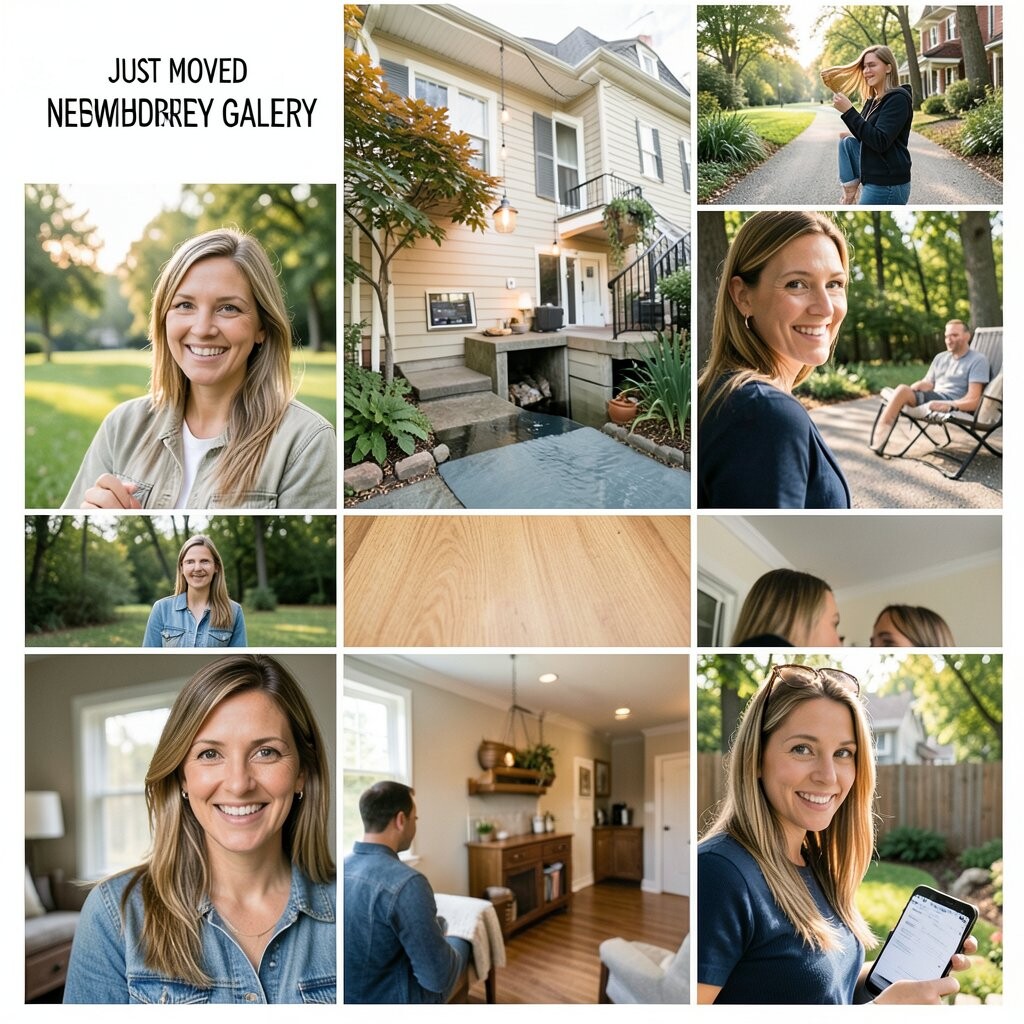
Create photos of the new everyday life: the street view, favorite corner shops, and the first meal on your own table. Include quick snapshots of unpacking, like the stack of boxes and the first clean counter. This makes the gallery feel like a warm welcome.
This gallery is beneficial because it captures adjustment moments that quickly fade in memory. It’s unique when you include a few “micro adventures,” like a walk to the nearest park or the view from your window at sunset. Personalize by adding a map label for each mini discovery so you remember routes. Cost-wise, you can keep everything digital and share with friends who are excited for your new chapter.
21. Memorial or Tribute “Love Letters in Photos” Gallery

Use photos that feel gentle and representative, such as portraits, favorite hobbies, and meaningful places. Add captions like short love letters written in your own voice. Even if the words are simple, they can carry a lot of comfort.
This benefits you by giving grief a place to live, without rushing or pretending it’s easy. It’s unique when you organize images around themes, like kindness, laughter, and comfort routines. For personalization, include one photo where the person is doing something they loved, then add a memory about how they did it. Cost considerations can be minimal because digital galleries often fit the budget better than printed tributes.
Practical tips: choose a calm design, use readable text, and avoid cluttered backgrounds. Many people now prefer private viewing settings so only trusted family can see the gallery. A current trend is using soft monochrome tones or muted colors to keep the focus on faces and emotion.
If you want a lasting keepsake, you can print a small selection of the most meaningful photos into a simple binder. The quiet stability of a physical version can be comforting when you revisit the gallery.