
Color can set the mood before anyone reads a word. The right palette makes your design feel confident, calm, or exciting—sometimes all at once.
1. Warm Sand & Terracotta

Warm sand and terracotta feel like a sunlit patio on a quiet afternoon. This palette brings a cozy, inviting vibe that works in home, food, and lifestyle designs.
Use it to make buttons, headings, and hero sections feel friendly instead of harsh. Terracotta also pairs well with creamy whites so text stays readable. Keep the sand as your background and use terracotta for accents so the design stays balanced.
2. Ocean Teal & Seafoam Mist

Ocean teal and seafoam mist create a fresh, airy mood that feels clean and modern. It is a great match for wellness brands, tech dashboards, and product pages.
Teal offers clear structure, while seafoam softens the overall look. Try using seafoam for backgrounds and teal for navigation, links, and key highlights.
For practical tips, test contrast with real text sizes, not just large mockups. If your design needs extra depth, add a darker teal for borders or shadows. Keep saturation moderate so it doesn’t overwhelm.
3. Classic Navy & Crisp White

Classic navy with crisp white looks sharp, timeless, and easy to trust. It gives a professional feel without needing flashy colors.
Use navy for the main headings and UI controls, then reserve white for generous spacing and clean surfaces. This combination naturally supports strong readability across many devices.
To make it unique, add one restrained accent like muted gold or soft slate. For cost considerations, stick to standard web-safe tones for faster production and fewer printing surprises.
Current trends often lean toward “navy core” designs with subtle gradient lighting, so you can add a gentle glow behind hero images. Keep the gradient low-contrast to preserve the classic look.
4. Blush Pink & Warm Beige
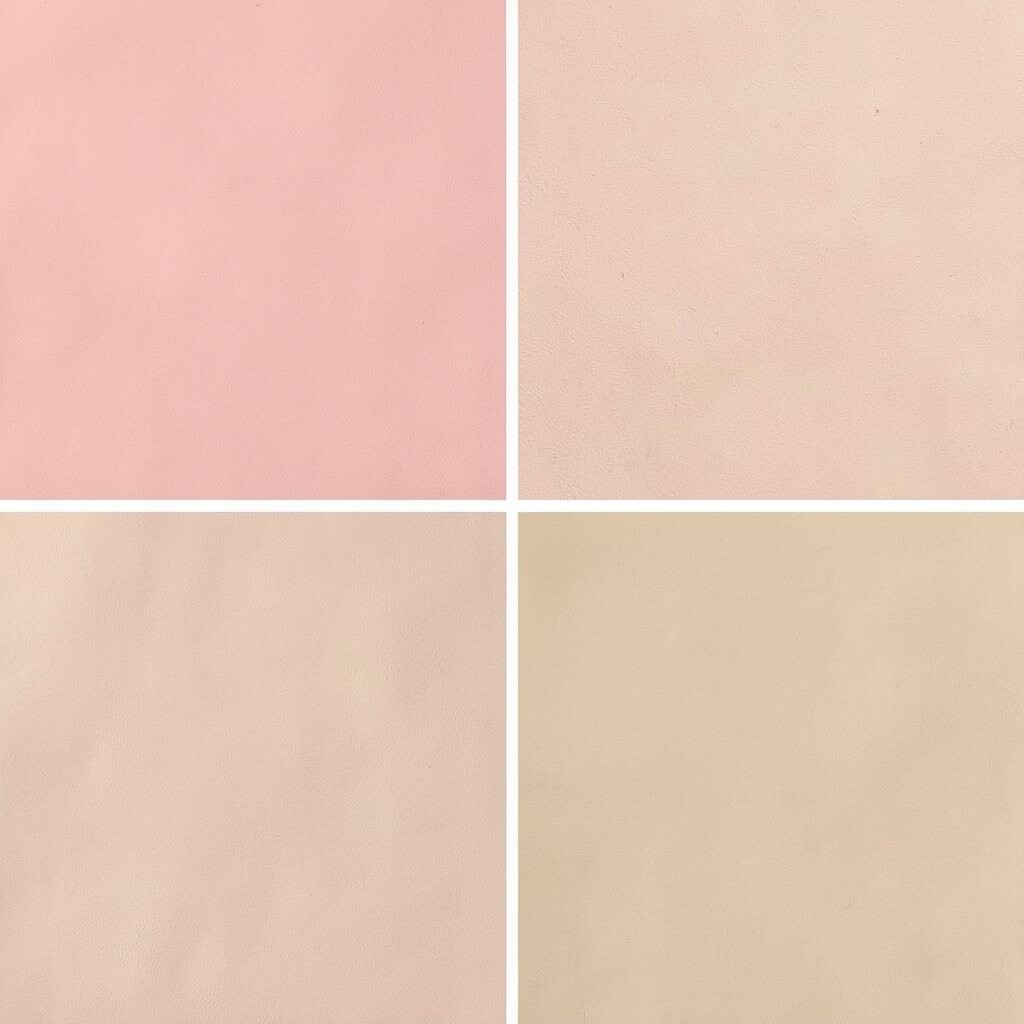
Blush pink and warm beige feel gentle, romantic, and approachable. They are perfect for beauty, stationery, and community-driven projects.
Because beige can flatten contrast, pair it with a darker neutral for text, like mocha or soft brown. Limit blush to highlights such as icons, badges, and small backgrounds so it stays elegant rather than sugary.
5. Forest Green & Moss Gray

Forest green and moss gray bring a grounded, nature-inspired calm. This palette feels steady and dependable while still looking stylish.
Moss gray works like a neutral partner, so you can build sections without color fatigue. Use forest green for key calls to action and moss gray for panels, cards, and supporting text.
To personalize, try adjusting the green temperature: warmer greens feel rustic, and cooler greens feel modern. If you’re printing, check how greens shift under different inks because forests can darken quickly.
6. Sunflower Yellow & Deep Charcoal

Sunflower yellow adds bold optimism, while deep charcoal keeps the design grounded. Together they create a punchy, high-contrast look that grabs attention.
Yellow works best in small to medium areas like badges, highlights, and section dividers. Charcoal should carry the bulk of the typography so users can scan comfortably.
For practical tips, watch out for overly bright yellow on long paragraphs. If needed, use a softer golden tone for text backgrounds or create larger contrast with thicker font weights.
7. Lavender Haze & Soft Lilac

Lavender haze and soft lilac feel dreamy, calm, and creative. This palette suits brands that want to look playful yet refined.
Use lavender as your primary accent and let lilac create gentle depth in backgrounds and hover states. A pale neutral can keep the overall layout readable.
To make it unique, add a tiny pop of cool gray in icons and charts. This palette also follows current “quiet color” trends where pastels carry meaning without shouting.
Budget-wise, pastels often print beautifully, but still test on your paper or screen settings first. If your content includes lots of fine text, consider pairing with a darker purple-gray for clarity.
8. Royal Purple & Ink Black

Royal purple with ink black feels dramatic, premium, and confidently bold. It can make landing pages feel like a luxury magazine spread.
Use ink black for the majority of text and large UI elements, then add royal purple for headlines, links, and striking accents. Keep purple consistent so the design stays cohesive and not chaotic.
For practical personalization, choose between magenta-leaning purple for energy or blue-leaning purple for elegance. In current trends, deep tones paired with subtle gradients are popular, so a soft purple sheen behind images can feel modern without losing readability.
9. Teak Brown & Creamy Ivory

Teak brown and creamy ivory create a warm, natural foundation that feels handcrafted. It’s ideal for packaging, artisan shops, and educational brands.
This palette is especially helpful when you want the design to feel “made with care” rather than purely digital. Brown brings structure, and ivory gives breathing room around important content.
Try using teak for icons, borders, and headings, then keep large backgrounds in ivory. If you need extra contrast for small text, add a darker chocolate tone sparingly.
Cost considerations are friendly here because you can often reuse the same neutral ink levels in print. Just confirm the ivory shade won’t look too yellow under different lighting.
10. Sky Blue & Cloud White

Sky blue and cloud white create a bright, optimistic look that feels clean and welcoming. It works wonderfully for event pages, education tools, and public services.
Use sky blue for the main brand color, then rely on cloud white to keep cards and sections airy. If you need emphasis, add a deeper blue for outlines and active states.
To personalize, mix in a muted teal or soft slate for secondary accents. For practical tips, remember that light backgrounds need stronger text color, so don’t rely on faint grays for body copy.
11. Coral Orange & Pale Peach
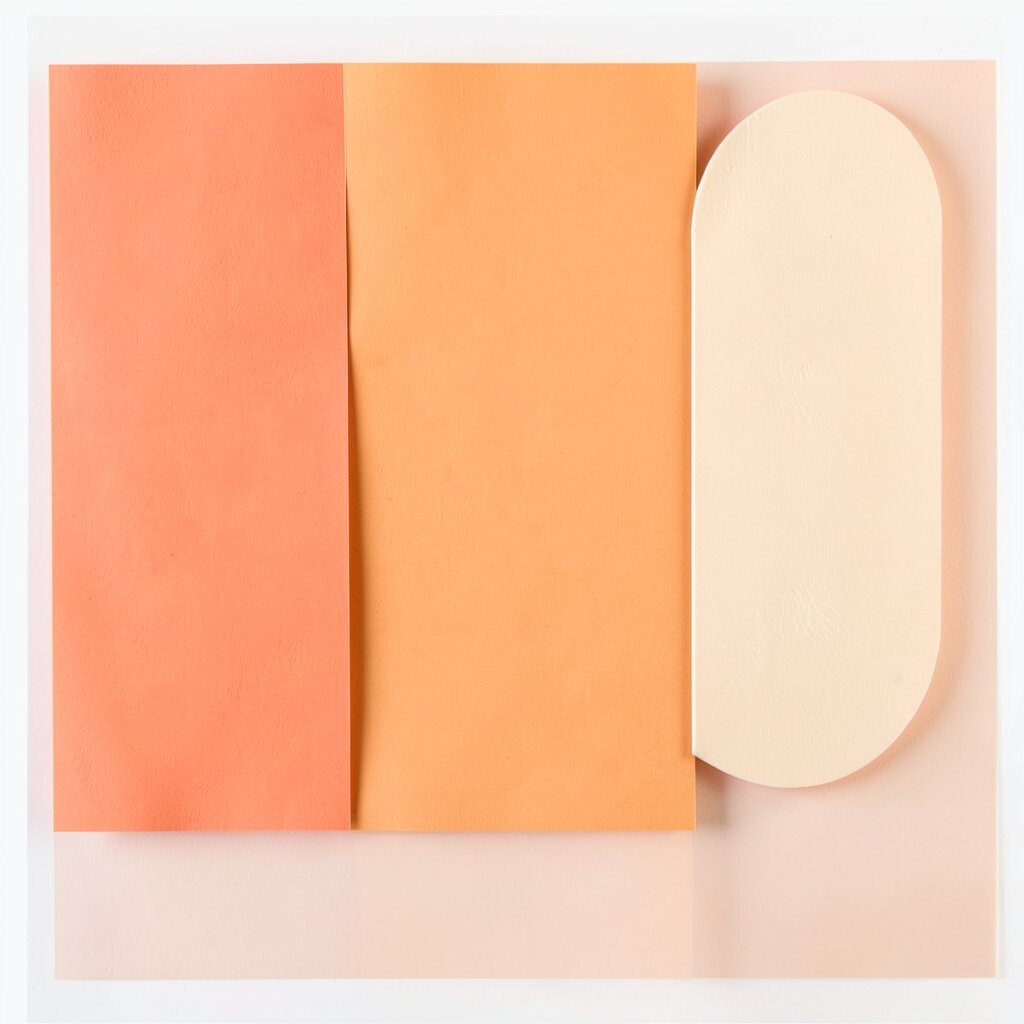
Coral orange with pale peach feels lively, friendly, and full of energy. It can make your interface feel more human and less corporate.
Coral is a strong accent, so place it on key actions like “Sign up,” “Buy now,” or highlighted features. Pale peach can serve as a soft background that reduces harshness.
For uniqueness, add a neutral like warm gray so the palette stays balanced. This style also matches current trends that favor warm highlights and gentle gradients, especially in lifestyle and creator tools.
If you’re printing, coral can vary a lot, so test swatches before committing to a full run. Keeping coral in accents can reduce cost risk.
12. Charcoal Gray & Cool Steel

Charcoal gray and cool steel create a sleek, modern look with a calm technical vibe. It is a favorite for SaaS products and professional portfolios.
Charcoal supports readable typography, while cool steel adds a crisp highlight for charts and UI components. Use one of them for backgrounds and the other for borders and interactive states.
13. Olive Green & Linen Cream
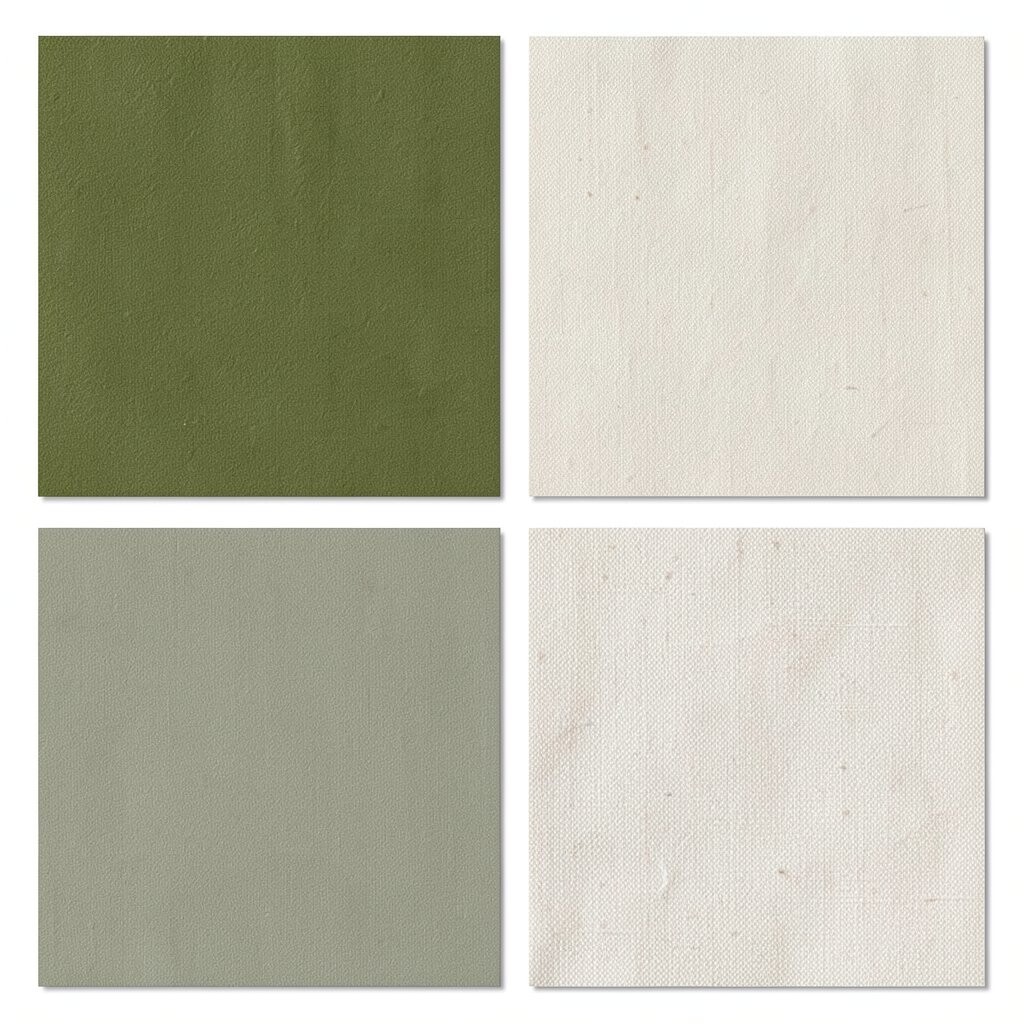
Olive green and linen cream feel earthy and balanced, like an outdoor market scene. This palette gives a natural sophistication without being too dark.
Olive can carry headings and icons, while linen cream keeps large areas gentle and warm. It’s a smart option when you want color but still want a clean reading experience.
To personalize, decide whether your olive is more yellow-leaning (soft and friendly) or more blue-leaning (slightly cooler and modern). Add a small amount of muted rust for warmth if you want a handcrafted feel.
For practical tips, pair with a deep neutral for links so they stand out on cream surfaces. In current designs, “heritage neutrals” like linen are trending for brands that want timeless identity.
14. Bright Mint & Soft Graphite
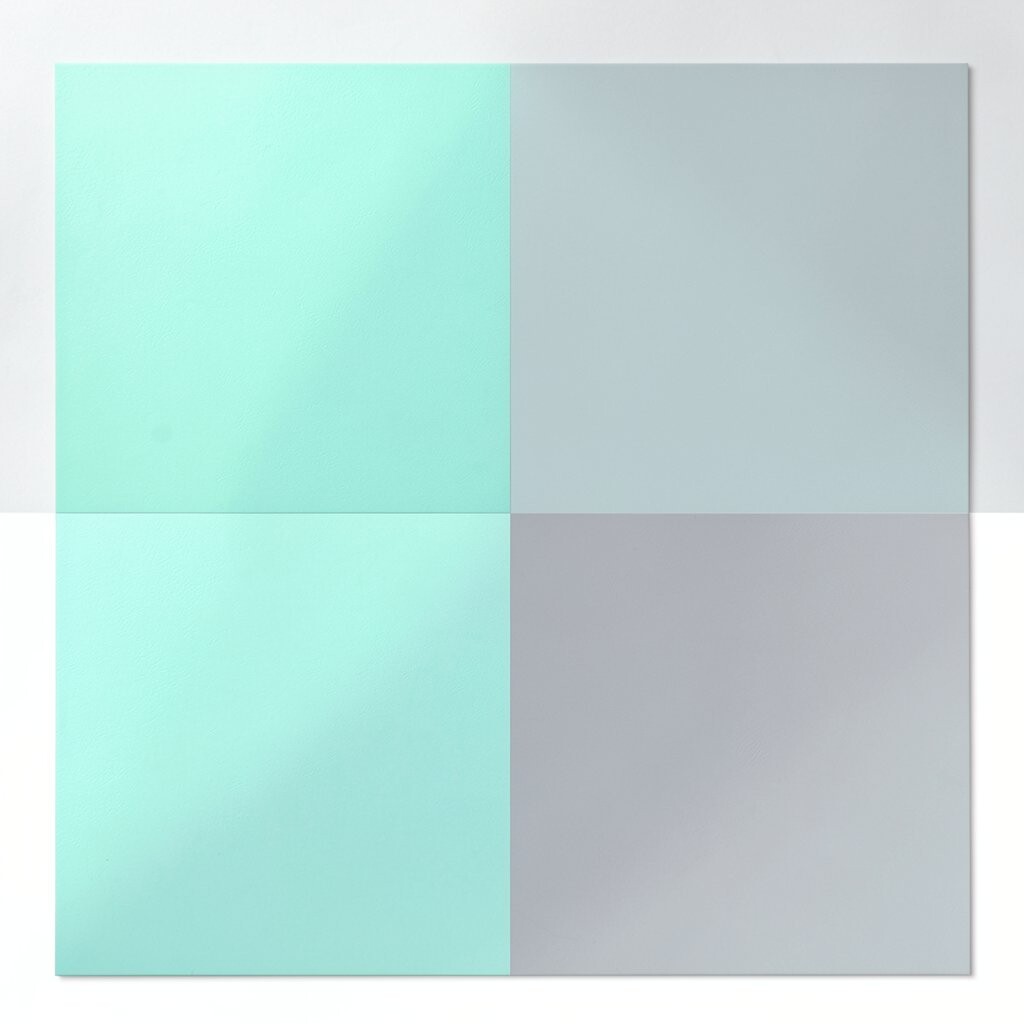
Bright mint and soft graphite look fresh, techy, and optimistic. They can make a product feel faster and more approachable.
Mint works well for active indicators and subtle backgrounds, while graphite should handle text and structural lines. This split keeps your palette vibrant without sacrificing readability.
15. Ruby Red & Oyster White
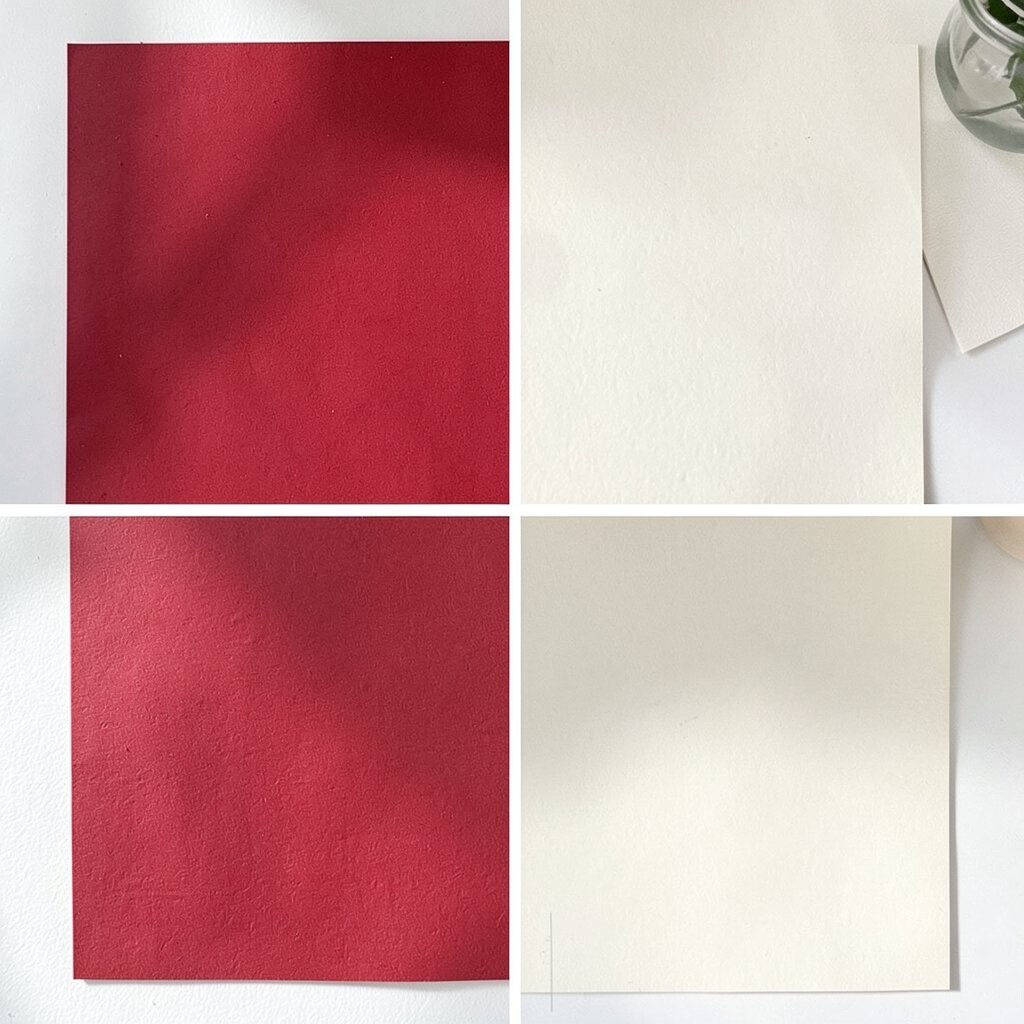
Ruby red and oyster white create a dramatic, attention-grabbing contrast. It’s great for headlines, product promotions, and bold storytelling layouts.
Use oyster white for backgrounds and spacing so the red stays sharp instead of overwhelming. Then apply ruby red to buttons, badges, and emphasis moments like “limited time.”
For uniqueness, add a small accent color such as muted wine or soft rose for secondary elements. If you’re planning print work, consider that deep reds can shift, so test both screen and paper proofs.
16. Aqua Blue & Sandstone
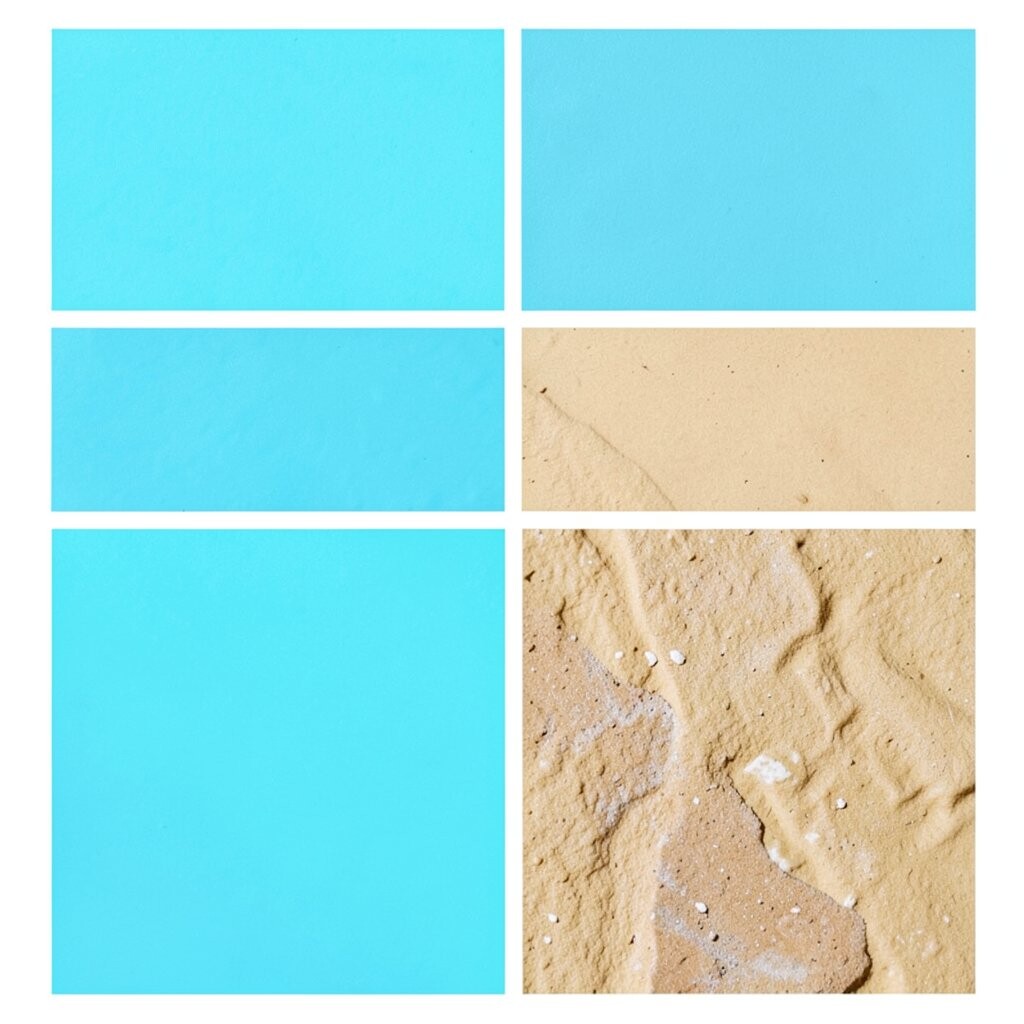
Aqua blue and sandstone feel like coastal architecture, calm and grounded. It’s a palette that supports both modern and relaxed design styles.
Sandstone tones help keep large sections warm and readable, while aqua adds a clean highlight. Use aqua for interactive elements and headlines, and sandstone for cards and layout backgrounds.
To personalize, consider adding a darker “storm” blue for charts or lines, which makes data feel clearer. Current trends often lean into natural textures, so you can pair this palette with subtle grain or paper-like patterns.
Cost-wise, using a limited set of neutrals plus one strong accent is easier for production and reduces mismatched inks. You also get consistency across web, print, and marketing materials.
17. Blazing Orange & Night Blue

Blazing orange with night blue delivers a bold, energetic contrast that feels exciting and modern. It can boost click-through attention for key actions.
Night blue is excellent for text and big surfaces, while blazing orange should be used as a targeted accent. This keeps the design from becoming too visually loud.
For practical tips, avoid placing orange directly behind long text blocks. Instead, use it for icons, borders, and “spotlight” panels where the user’s eyes naturally rest.
18. Pale Turquoise & Vanilla Cream

Pale turquoise and vanilla cream feel light, friendly, and calm. This palette is popular in wellness, food brands, and approachable apps.
Use turquoise for small highlights and interactive states, then rely on vanilla for the overall layout. A darker neutral will still be needed for legible text on bright cream backgrounds.
19. Sunset Magenta & Dark Cocoa

Sunset magenta brings emotion, while dark cocoa adds depth and a cozy finish. Together they feel stylish, artistic, and memorable.
Make magenta the hero color for important headings and creative components, then use cocoa for body text and grounding panels. This approach keeps the design both expressive and readable.
To personalize, adjust magenta’s intensity: softer magenta feels romantic, and more vibrant magenta feels bold. If you want a modern trend feel, add a subtle magenta-to-cocoa gradient behind media with low opacity.
20. Steel Blue & Warm Sand

Steel blue paired with warm sand creates a balanced, slightly nautical look. It feels dependable, like a reliable compass with a gentle glow.
Steel blue works nicely for navigation bars and important labels, while warm sand keeps the interface welcoming. This is a great combination when you need professionalism but don’t want everything to feel cold.
For practical tips, use a darker shade for links so hover and active states remain obvious. If you’re designing for multiple platforms, keep your palette small so colors stay consistent across different screens.
21. Lemon Lime & Charcoal Ink

Lemon lime is playful and high-energy, and charcoal ink provides strong contrast. This palette is perfect for sports, learning tools, and dynamic marketing pages.
Because lemon lime can dominate, reserve it for highlights like progress bars, callouts, and notification dots. Charcoal ink should handle the text and most UI structure.
To personalize, pair lemon lime with a muted olive or pale gray for secondary details so the overall look stays smooth. For cost considerations, this palette can be efficient because charcoal tones are common and lemon lime can be limited to fewer elements.
22. Coral Rose & Deep Olive

Coral rose and deep olive feel balanced between warm and natural. This palette looks thoughtful, soft, and quietly confident.
Use deep olive for headings, borders, and text, and coral rose for accents that guide attention. It’s a beautiful choice when you want a design to feel both modern and grounded.
For practical personalization, try reducing coral rose saturation for a more elegant brand tone. Current trends also support nature-inspired palettes, and this combo fits well with organic shapes and subtle gradients.
When planning production, remember that olive tones can print differently across devices, so check a proof if color matching matters. Keeping most text in deep olive helps maintain clarity even if shades shift slightly.