
Design can feel like a secret superpower. When you give your eyes new patterns, your ideas start moving too.
1. Color-Blocking With a Personal Twist

Pick two or three colors and let them take turns in bold sections. You will feel instant energy when the layout stops trying to be “perfect” and starts being confident.
Choose colors that match a real part of your life, like your favorite hoodie or a childhood poster. This makes your work feel like it belongs to you, not a template. If you want an easy win, start with a simple background, one accent stripe, and one supporting highlight.
2. Nature-Inspired Typography Pairings
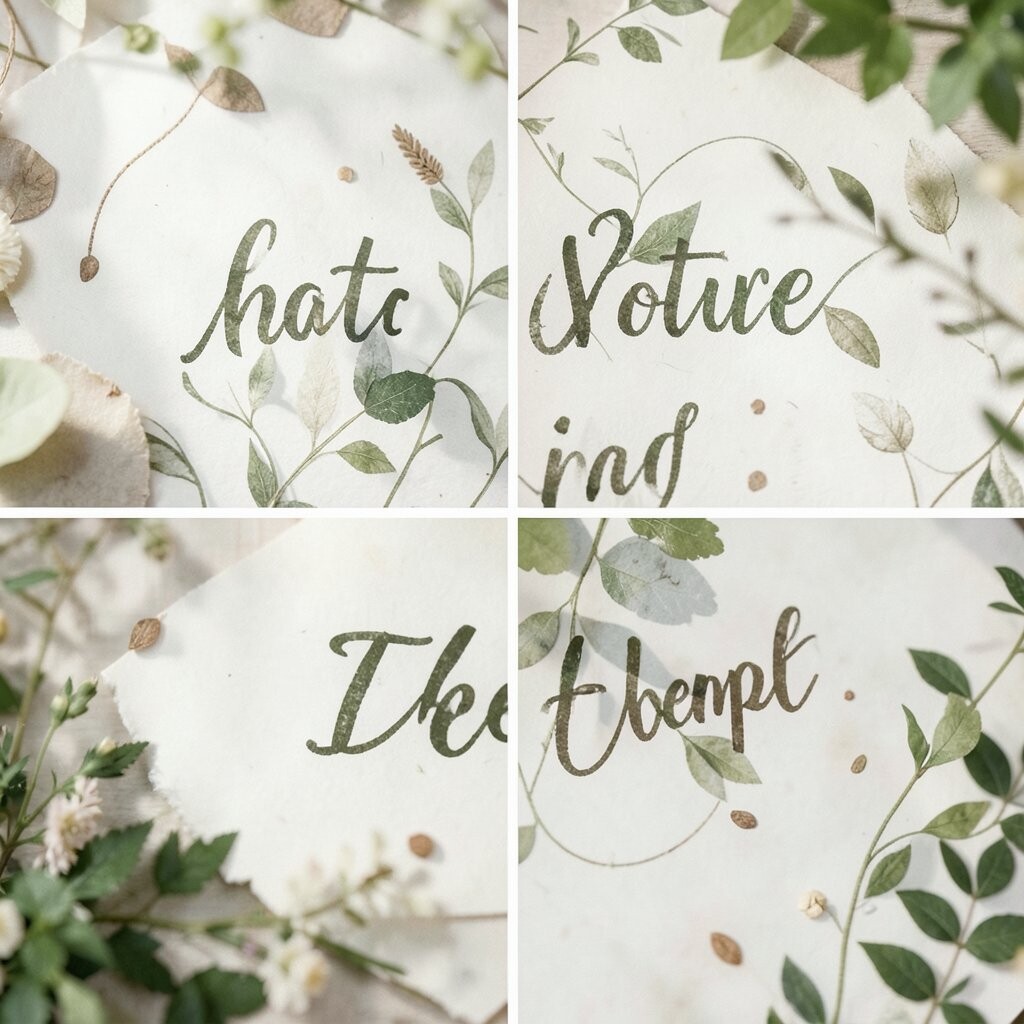
Use fonts the way plants use shapes: gently, with intention. One font can feel like leaves, and another can feel like sturdy branches.
Pair a rounded display font with a clean body font to keep reading comfortable while the headlines stay playful. Try using letter spacing on one type style to mimic the breathing room you see in gardens. When your text feels airy, people trust it more.
To personalize, borrow a rhythm from nature, like big bold words for “sunlight” and smaller calm lines for “shade.” Keep costs low by using free font libraries and testing in a basic design tool. A current trend is mixing one expressive headline type with an ultra-neutral sans for modern clarity.
3. A “One-Object” Focus Layout

Design a page around a single main object, like a mug, a tool, or a hand sketch. Your brain loves clear priorities, and your audience will feel the same.
Place the object large, then support it with simple labels and a few related details. This makes the design easier to scan and reduces clutter. It also helps you highlight what matters most.
For practical tips, keep the background quiet, add one shadow direction consistently, and use alignment lines to keep everything calm. Personalize the object with your own textures, like paper grain or fabric patterns. If you need budget control, use photos you already own or take quick images with a phone in bright daylight.
As a trend, many modern brands are leaning into minimal “hero” visuals and generous negative space. A strong single-focus layout can make even small projects feel professional.
4. Hand-Drawn Elements on Top of Clean Design

Add small doodles, arrows, or underline marks as if you are annotating your own thoughts. The contrast between neat and messy creates warmth right away.
Keep hand-drawn strokes thin and limited so they guide rather than distract. You can create a similar effect by scanning sketches or using a stylus to draw directly in your layout app. This approach makes your design feel human, even when the grid is perfect.
5. Designing With a Limited Palette for Strong Mood
When you restrict yourself to a few colors, your choices get sharper and your mood gets clearer. You will notice how well the design holds together.
Try picking one main color, one neutral, and one “surprise” accent. This reduces decision fatigue and makes it easier to stay consistent across pages. It also helps you communicate faster because everything has a purpose.
To personalize, connect the palette to a theme like “evening calm” or “sunny energy.” For cost, you can work with color samples from free sites and build your scheme in a basic editor. A current trend is using restrained palettes with one bold accent to create a premium, editorial feel.
6. Modular Grids That Still Feel Personal

6. Modular Grids That Still Feel Personal

Use a grid system so your layout stays tidy, then bend the rules in small ways. The result is order with personality, not stiff perfection.
Try dividing a page into columns, then swap the width of one section to create surprise. This supports readability while keeping the design lively. When you align everything to the grid, your creative choices look intentional.
For practical tips, start with a simple 12-column grid and only adjust one or two key areas. Personalize by using a consistent “signature” move, like always breaking the grid at the bottom. Low-cost options include building the grid in free design tools and reusing the same structure for multiple pages.
7. Texture-Forward Backgrounds for Instant Depth

Bring surfaces into your design by using subtle paper, grain, or fabric textures. Even a faint texture can make flat layouts feel richer.
Keep the texture low-contrast and use it behind text or images so reading stays easy. Try blending modes or gentle opacity levels for a soft effect. This gives depth without turning your work into visual noise.
To personalize, choose textures that match your brand story, like “handmade,” “studio,” or “outdoor.” For cost considerations, many free texture packs are available, and you can also create your own by photographing materials. A current trend is “tactile design,” where digital visuals mimic physical surfaces.
8. Icon Sets With a Consistent “Hand”
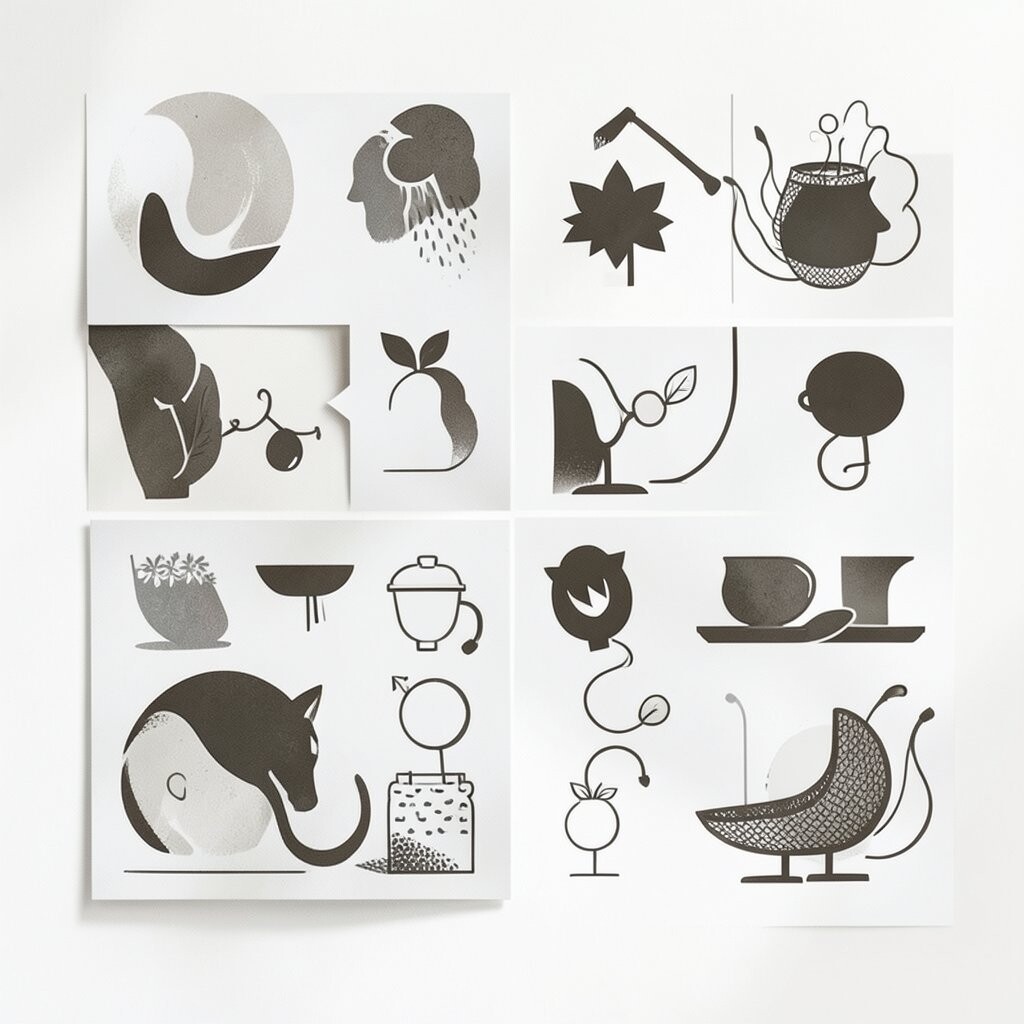
Select icons that share a style, such as rounded corners or a thin outline. When the icons match each other, the whole design feels coordinated.
Use icons as visual shorthand for features, steps, or categories. This helps people understand quickly and keeps long text from taking over. It also makes the interface feel friendly and organized.
For practical tips, limit yourself to one stroke weight, one corner radius, and one icon size range. Personalize by adding a small element like a tiny star or dot that repeats across the set. If budgets are tight, use free icon libraries and customize colors without buying new packs.
As a trend, many interfaces use “mixed emphasis” icons, where one section gets bolder icon fills while the rest stays line-based.
9. Asymmetry for Motion and Energy
Skip perfect center layouts and place elements slightly off-balance. Your design will feel like it is moving, even on a static screen.
Try one large image on one side and a small cluster of text on the other, leaving space where the eye can rest. This creates rhythm and prevents the layout from feeling stuck. Use consistent spacing rules so the asymmetry looks intentional.
10. Cinematic Lighting for Mood-Heavy Images

Choose photos with dramatic lighting or add a soft overlay to imitate it. When light feels cinematic, your design instantly gains emotion.
Use warm highlights for inviting moods or cooler tones for calm, tech-like vibes. Add a gentle vignette so attention moves toward the subject. This works well for posters, landing pages, and cover designs.
To personalize, match the lighting to your message, like “celebration” with bright warm tones and “focus” with cooler shadows. For cost, you can use built-in photo effects and free editing tools if you do not have paid software. A current trend is using subtle gradient lighting rather than heavy filters, which keeps things modern and clean.
11. The Rule of “Three” for Quick Visual Clarity
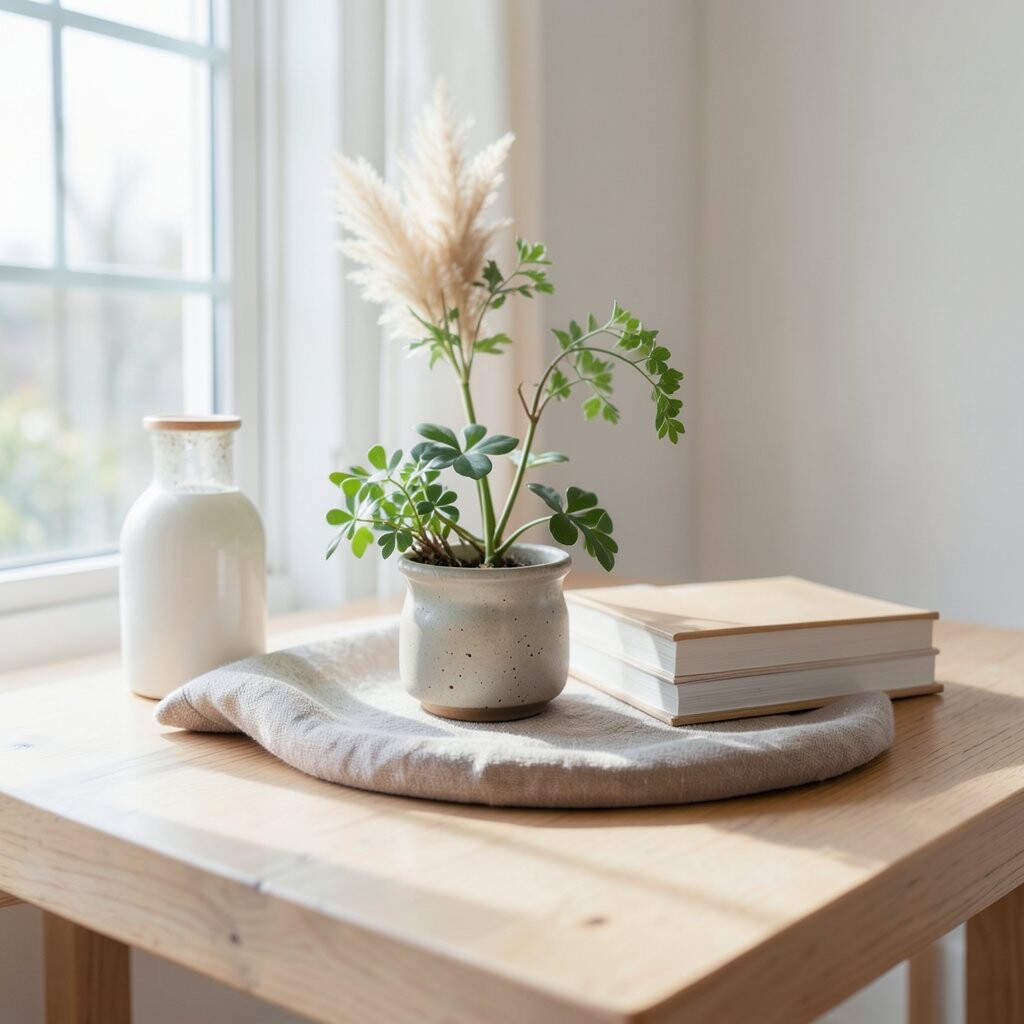
Design around sets of three: three benefits, three steps, or three content blocks. Your audience can remember it easily.
Place the three items in a balanced row or a two-one layout for variety. This structure gives your page a clear pattern without making it boring. It also helps you avoid cramming too much information.
For practical tips, keep each “third” of the design visually similar in size and spacing. Personalize the group by giving each item a different color accent, but only one color per item. If you are cost-conscious, use simple shapes and consistent type styles rather than custom graphics.
A trend you will see often is three-part storytelling in cards and feature sections, because it feels tidy on both mobile and desktop.
12. Maximum White Space With One Strong Statement

Give your design room to breathe and let one message carry the whole vibe. White space is not empty; it is a stage.
Center a short headline, place one supporting line, and use a single button or small visual cue. This keeps the focus tight and reduces distractions. People tend to trust layouts that look calm and intentional.
13. Collage Layers That Tell a Story

Combine multiple images and cutouts to create a collage that feels like a personal scrapbook. Layers bring character that clean layouts sometimes miss.
Use varying sizes and placements, then add a consistent shadow or border so pieces feel connected. This improves readability and makes the collage feel designed, not random. A well-built collage can communicate theme and personality quickly.
For practical tips, choose a dominant image, then add supporting fragments around it. Personalize by including one element that is meaningful, like a photo from an event or a hand-sketched texture. To manage cost, use images you already have or free resources, and avoid spending on heavy custom assets.
Current trends favor “lo-fi” collage styles with slight imperfections, soft edges, and mixed scales that mimic real memory.
14. Color Gradients That Behave Like Lighting
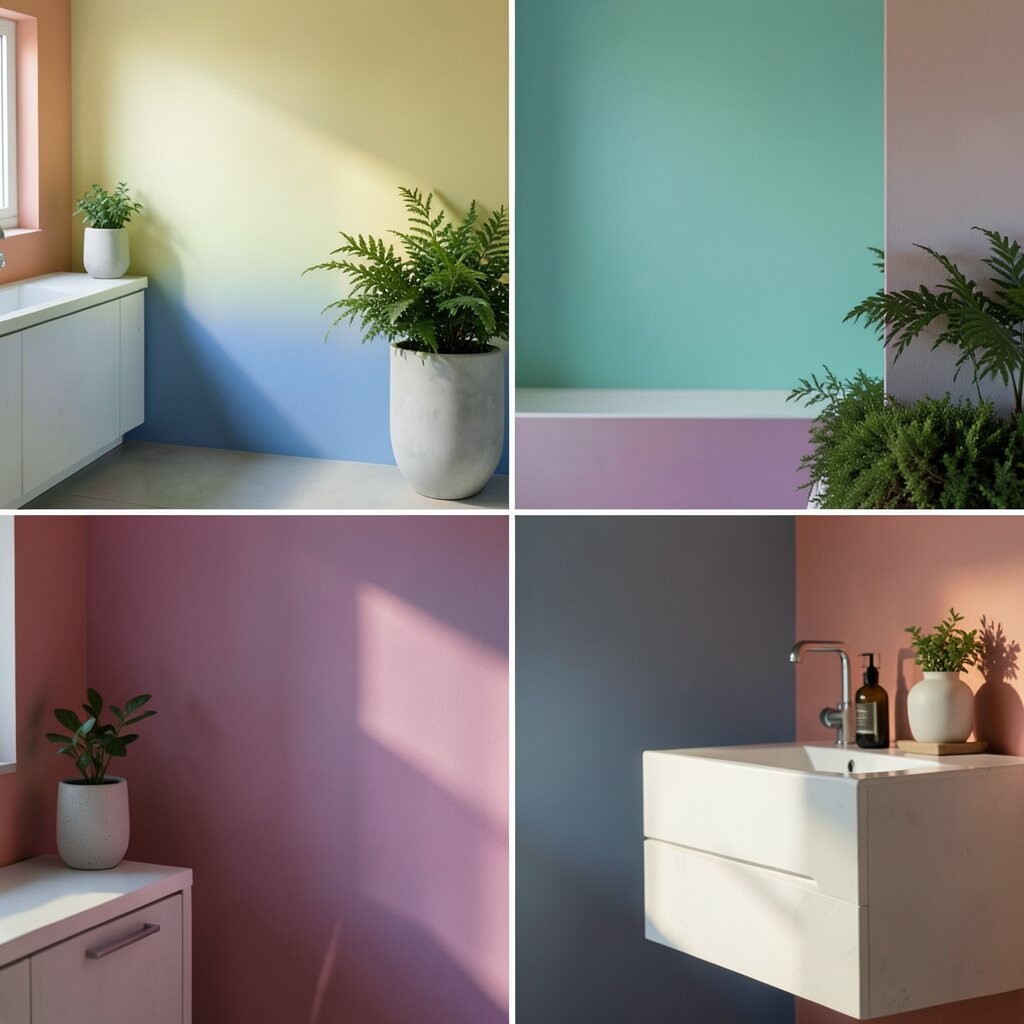
Instead of harsh backgrounds, use gradients that fade like light across fabric. Gradients can make a page feel modern without needing lots of imagery.
Keep transitions smooth and avoid too many colors at once. A simple two-color gradient can feel sophisticated when placed behind text carefully. Make sure contrast stays high so your content remains readable.
To personalize, pick gradient colors that match your brand emotions, like “ocean,” “peach sunset,” or “forest dusk.” For cost considerations, gradients are cheap in every way because you can generate them in most design tools. A trend is using gentle, near-transparent gradients rather than bold rainbow sweeps.
15. Typography as a Visual System

Treat fonts like a system, not just decoration. When typography has rules, your design becomes easier to use and more consistent.
Pick one type family for headlines and one for body text, then define sizes, line heights, and weights. This helps every page feel related, even when content changes. It also makes editing faster later.
For practical tips, limit the number of font weights you use and keep body text readable at typical screen sizes. Personalize by adding one unique typographic accent, such as a custom dash style or a consistent italic cue. If you want to control cost, use free fonts with multiple weights and pair them carefully.
16. A Brand “Signature Shape” Repeated Everywhere
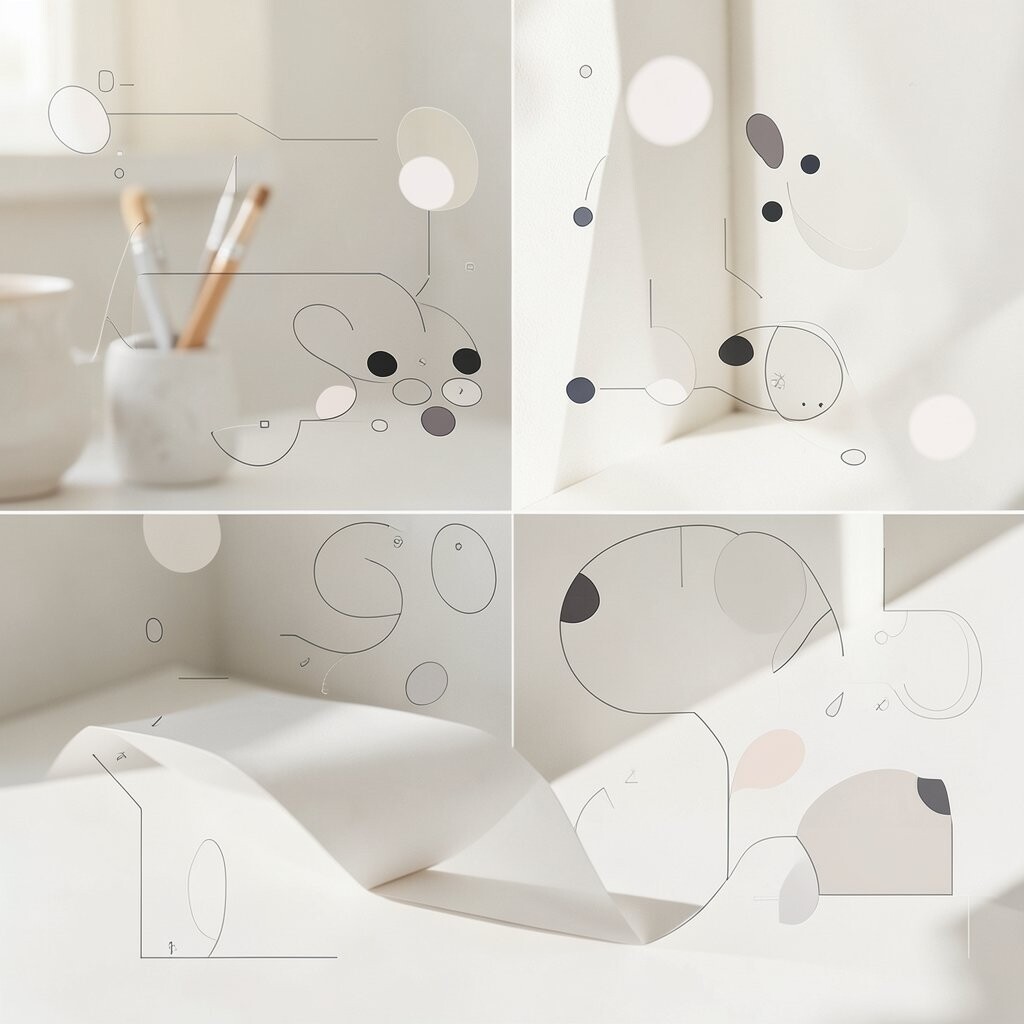
Create one small shape that shows up across your designs, like a circle, zigzag, or rounded square. Repetition builds recognition without needing complicated branding.
Use the shape as a frame for images, a bullet substitute, or a button icon. When the shape repeats with consistent sizing and placement, it becomes a friendly stamp of identity. Personalize it by drawing it from your own doodles or the logo you already have.
17. Mockups and Real-World Context

Show your design in context, like a poster on a wall or a phone screen in someone’s hand. Context helps people imagine using it.
Use realistic shadows and correct perspective so the mockup looks believable. Keep the main content readable and do not let the device frame steal the spotlight. This is a practical way to make your work feel more complete.
To personalize, add a small detail that matches your brand, like a color accent on the background of the scene. For cost considerations, you can find many free mockup templates or take your own photos for a more original look. A current trend is “context-first” presentation, where mockups are used to communicate mood, not just layout.
Even a simple scene can improve how people react to your design ideas.
18. Bold Borders and Frames for Organization

Use borders to separate sections, like clean picture frames around content. Borders can create structure while still looking stylish.
Try one border style across the whole design, with thicker lines for emphasis and thinner lines for support. This gives your page clear boundaries without clutter. When you match border radius to other UI elements, everything feels cohesive.
19. A “Before You Commit” Sketch Warm-Up

Start with quick sketches before you open a design tool. Small rough drafts help you find better compositions faster.
Make three tiny thumbnail layouts in ten minutes, then pick the one that feels most alive. This improves decision-making and reduces wasted edits. You will also spot spacing problems early.
Personalize the warm-up by using your favorite pen color or adding playful notes to yourself. Keep cost low by using paper you already have, then scan or photograph the best sketch. A current trend is designers sharing process sketches because it builds trust and shows real thinking.
Warm-ups also help your creativity stay active when you feel stuck.
20. Responsive-Ready Layouts for Any Screen

Design for different screen sizes from the start, not as an afterthought. When your layout adapts well, your work feels more professional.
Use flexible spacing, test on a small viewport, and adjust font sizes so reading stays comfortable. Prioritize the most important elements and let the rest shift down naturally. This prevents awkward overlaps and makes your design easier to use.
21. Micro-Interactions in UI as Creative Spark
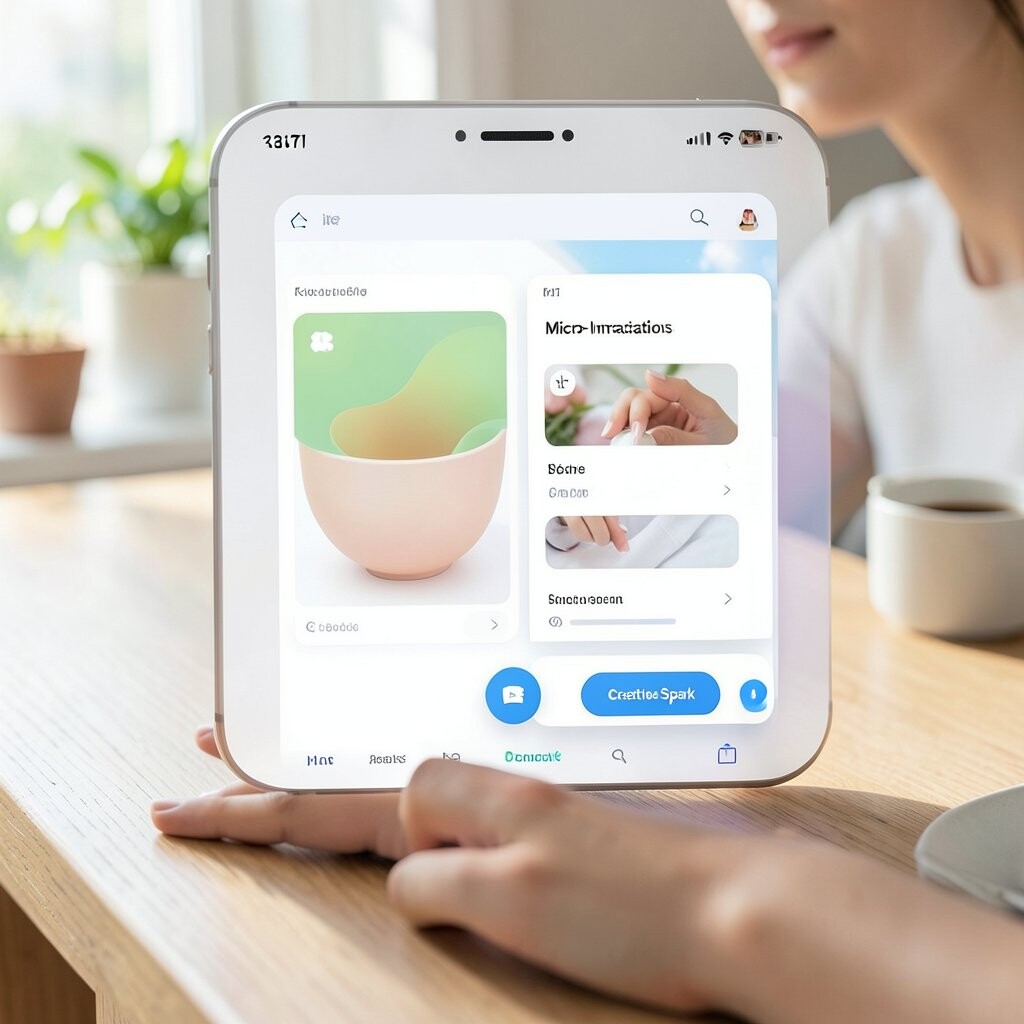
Add tiny animation ideas, like a button that gently changes shade when hovered. Micro-interactions make interfaces feel alive and thoughtful.
Keep motion subtle and purposeful, such as fade-ins for sections or small scale changes for icons. This helps people understand what is clickable and reduces confusion. It also makes the experience feel modern without being distracting.
To personalize, connect the motion to your theme, like calm slow fades for a wellness brand or quick snappy transitions for a sports feel. For cost, you can prototype with simple CSS transitions or low-cost tools. A current trend is “smooth but restrained” motion, where transitions are quick, quiet, and consistent.
22. Create a Mood Board From Real Receipts and Notes
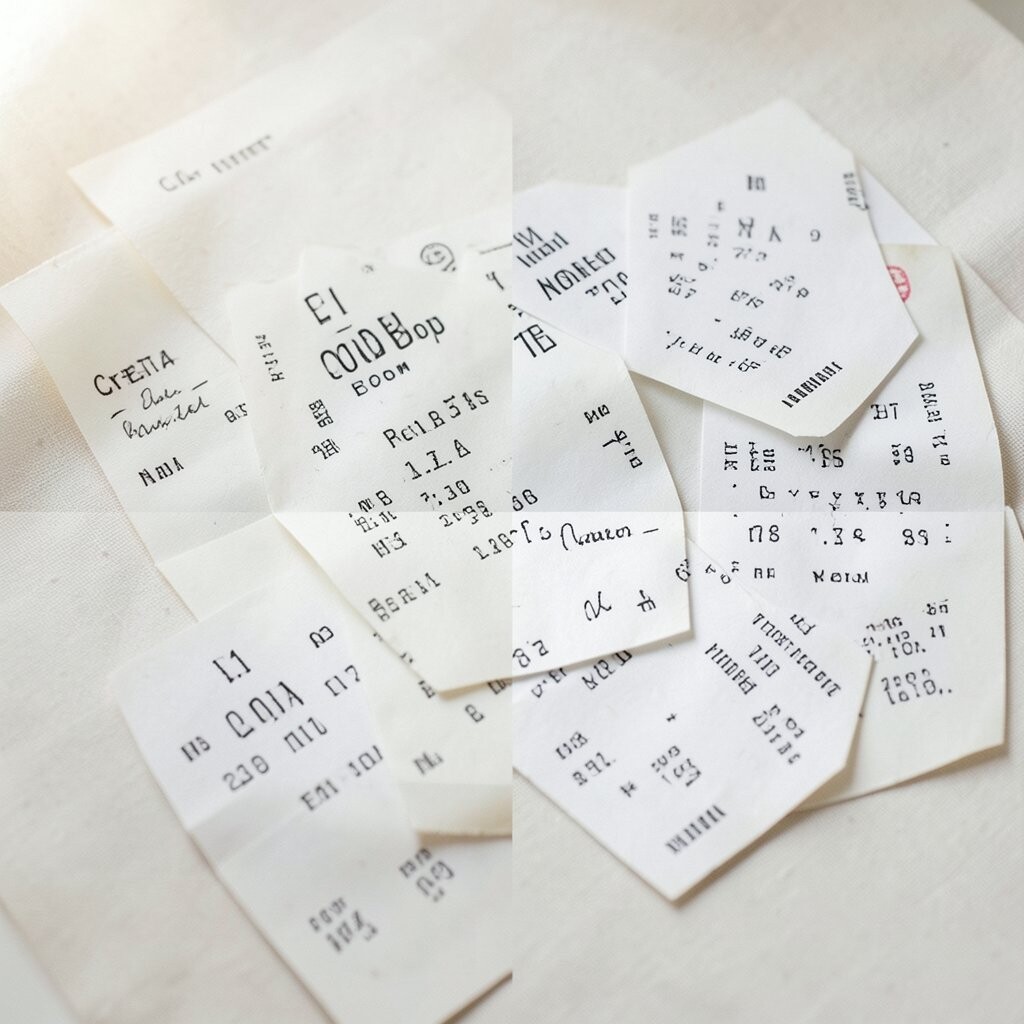
Collect scraps like ticket stubs, sticky notes, paint swatches, and small objects you already own. Those real pieces carry a vibe you cannot copy from a website.
Arrange them by emotion first, then by color and texture. When your mood board feels true, your final design will naturally follow that tone. You can turn those scraps into background textures, color references, and headline inspiration.
Personalize by writing short sentences on the pieces, like “weekend calm” or “morning focus,” then use those words to guide your layout. For cost considerations, this is mostly free, and it often beats paid stock assets for authenticity. A trend in many creative circles is “analog inspiration,” where physical materials inform digital design choices.